Workspaces
A workspace is a canvas where you compose widgets into one view: quotes, charts, option chains, order books, prediction market data, your accounts, and your own notes. Arrange them the way you work, and come back to them.
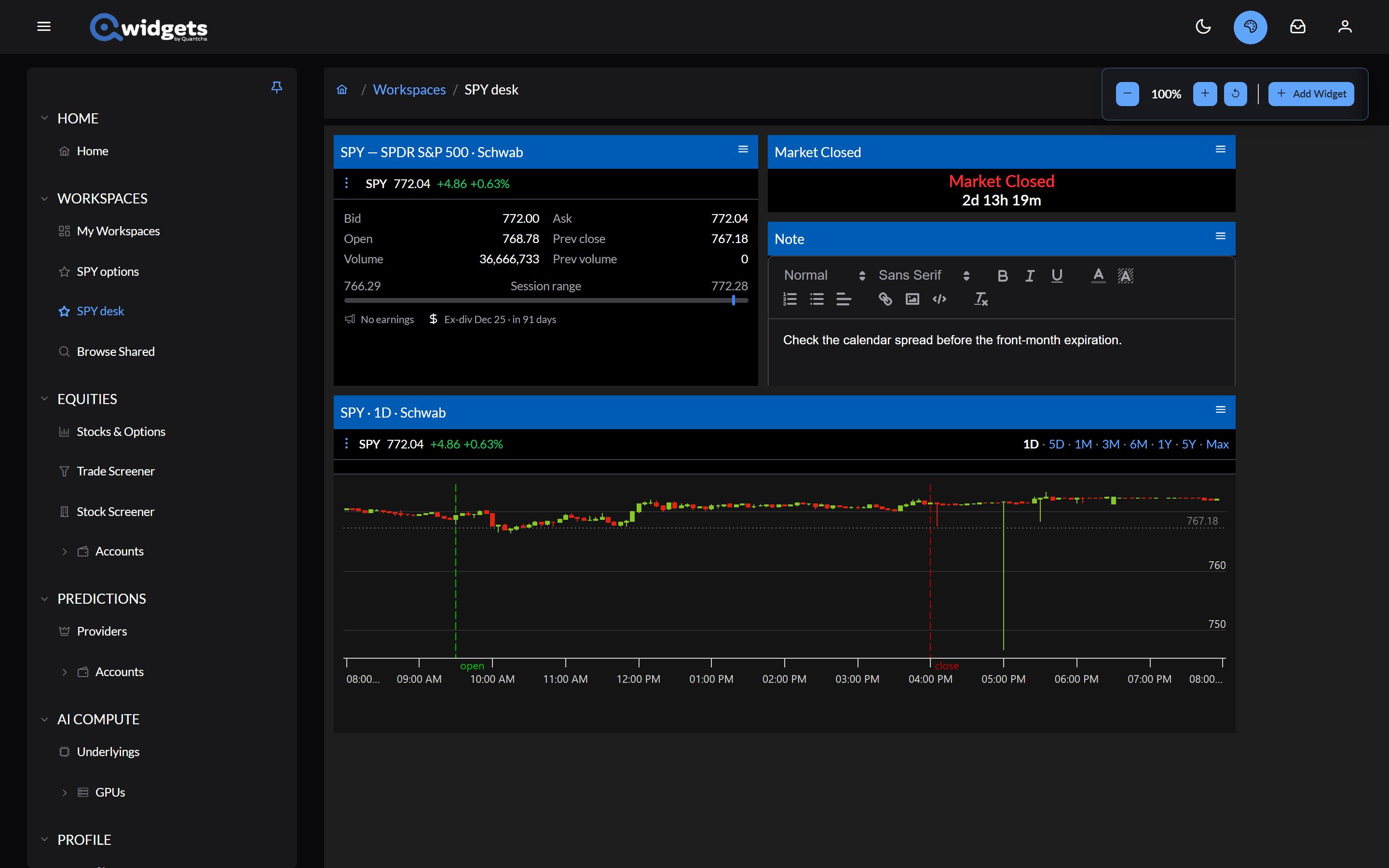
Kinds of workspaces
- Guest Workspace. Build one without signing in. It’s kept only in the browser tab you built it in.
- My Workspaces. Once you sign in, workspaces you create are saved to your account and follow you across devices.
- Shared workspaces. Anyone can open a workspace its owner has shared, by its link, with no account. Browse Shared lists the ones in the public catalog.
In this section
- The canvas: moving, resizing, zooming, and configuring widgets.
- Composing widgets: adding widgets, and starting a workspace from a stock, an event, or an account.
- Saving: creating, favoriting, renaming, and deleting workspaces.
- Copying shared workspaces: browsing the catalog and making a shared workspace your own.
- Sharing by link: publishing a workspace and listing it in the catalog.
Every widget has its own page under Widgets.