Stock screener
The Stock Screener filters the whole US stock market and ranks what’s left. Each row is one company. Open it from Stock Screener in the left-hand menu. No account is needed.
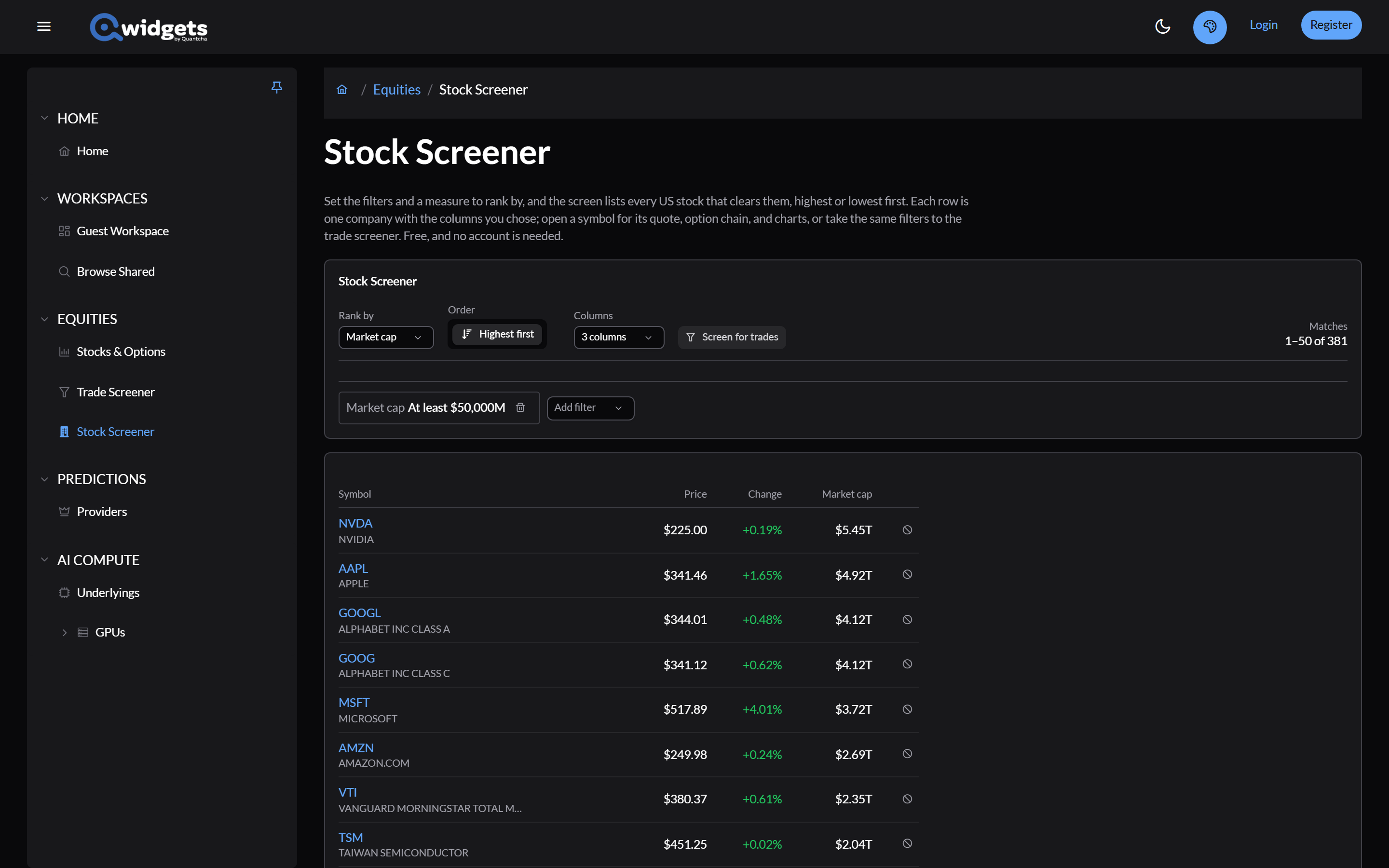
Set up the screen
- Add filter: filters in four groups.
- Liquidity: share price, option liquidity rating, and whether weekly or LEAP options are listed.
- Underlying: market cap, price change, P/E ratio, dividend yield, beta, industry, 52-week high and low, and whether to include ETFs.
- Volatility: IV rank, IV rating, IV percentile, implied volatility, and historical volatility.
- Events: days or sessions until earnings, and earnings crush.
- Each filter can be At least, At most, Between, or Outside a range. Industry filters pick a division, then a group within it.
- Rank by: any of the measures above, plus symbol, average volume, put/call ratios, and the next earnings or ex-dividend date. Order switches between Highest first and Lowest first.
- Columns: choose which measures to show. Adding a filter adds its column.
The screen always searches the whole market. The Source only decides which feed supplies each row’s live price, and where the symbol links lead.
The results
Results show 50 at a time. Each symbol links to its page. A price that’s still the screen’s value, before a live quote arrives, is dimmed.
- The block icon keeps a symbol out of the screen; its chip above the table puts it back.
- Screen for trades opens the Trade screener with the same filters.
- Save screen keeps your setup when you’re signed in.
The screen reruns every five minutes during market hours. The page’s address keeps the whole screen, so you can bookmark or share it.