Prediction search
Across every exchange
Search across exchanges, on the Prediction Markets page, searches every exchange at once. Enter your terms and select Search. Each result shows the event, its type, its competition and scope where it has them, when it’s expected to settle, and its 24-hour volume. View Event Details opens it.
On one exchange
Each exchange’s page, such as Kalshi Prediction Markets, searches that exchange only:
- Search: suggestions appear after two letters, and results update as you type.
- Type: limit results to one kind of event, such as a single market, a ladder of thresholds, a set of ranges, or several outcomes.
- Sort Order: by relevance, by 24-hour volume, or by expected settlement.
- Card view or Table view. The table lists title, type, settlement, and 24-hour volume.
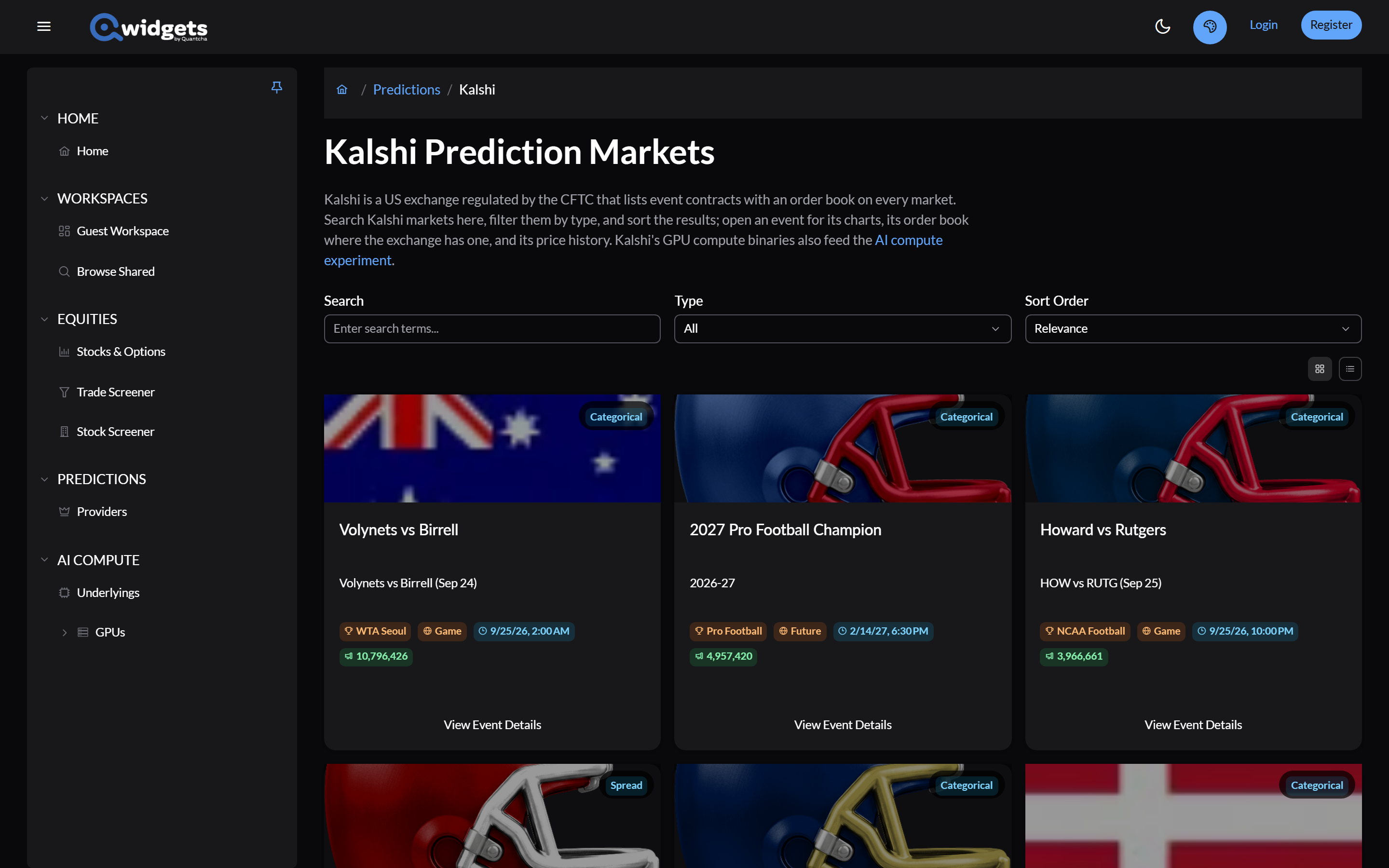
Search covers events that are still open on each exchange.
On a workspace
The Prediction Search widget puts the same search on a workspace, across every exchange or one of them.