Brokerage accounts
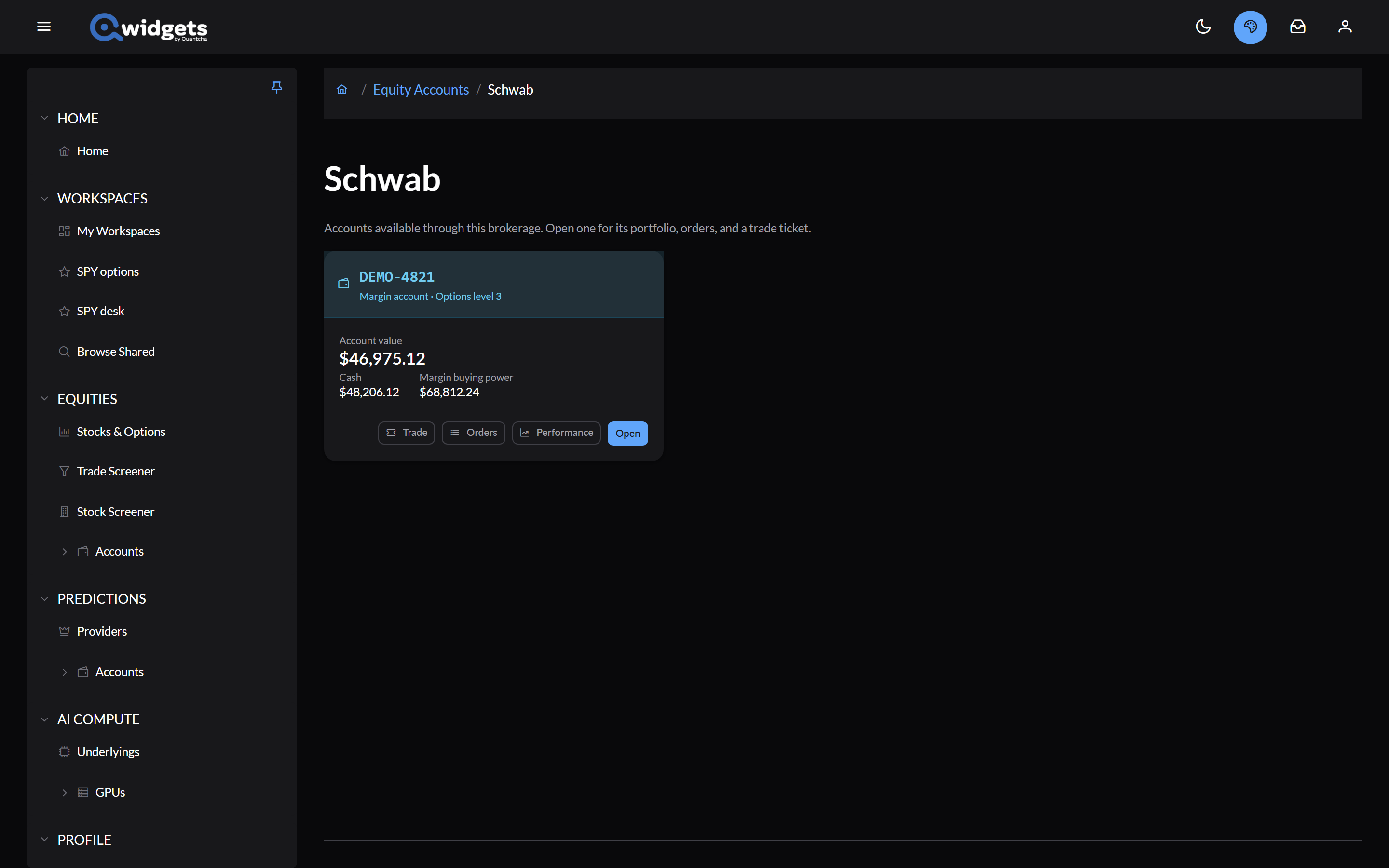
Once a brokerage is connected, Accounts under Equities in the left-hand menu lists it. Open the brokerage to see its accounts, each with its value, cash, and buying power, and Trade, Orders, Performance, and Open buttons.
Inside an account, tabs cover Portfolio, Orders, Transactions, Performance, Stress Test, and Trade. The picker at the right switches accounts and keeps you on the same tab.
Portfolio
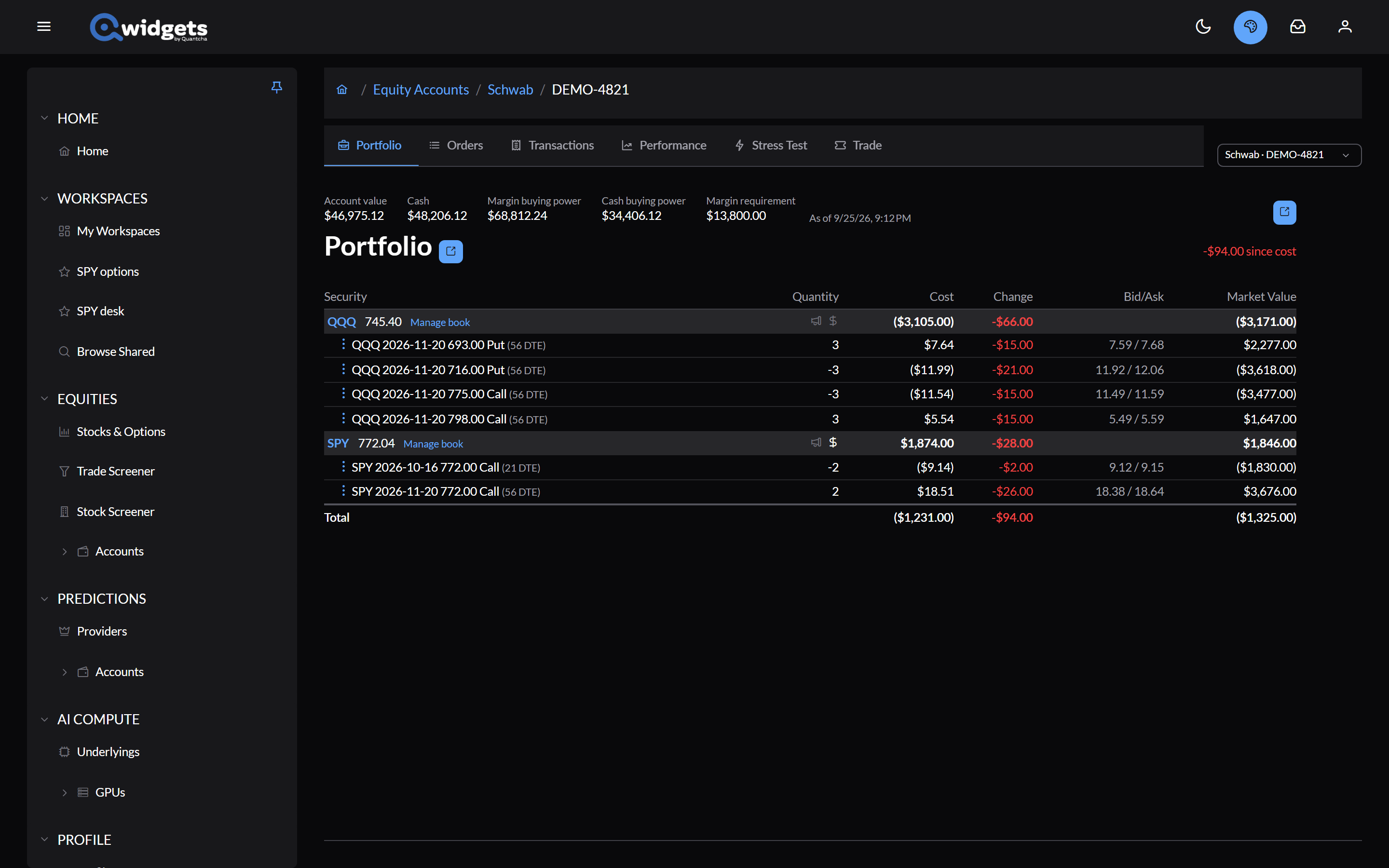
- Balances: account value, cash, and, where the brokerage reports them, unsettled cash, buying power, and the margin requirement.
- Positions, grouped by underlying. Each group shows the underlying’s price, earnings and dividend icons, and Manage book, which opens Book management. Each position shows its quantity, average cost, change, bid and ask, and market value; options show days to expiration.
- The menu next to a position opens a pre-filled trade ticket to Close Position, Increase Position, or Roll Position, or opens its chart or chain.
Positions are valued at the bid for longs and the ask for shorts. If a holding hasn’t quoted, the totals say they’re incomplete.
Orders
The Orders tab lists orders with their legs, how much has filled, the price, the average fill, when they were placed, and their status. Filter by All, Active, or Working.
- Cancel Order, from a working order’s menu, asks you to confirm. The confirm button counts down briefly before it’s live.
- Open an order to see its details and legs. While it’s working you can change its duration, type, price, or stop, with Change order, or cancel it.
Trade
The Trade tab is the order ticket. Choose the underlying, then the kind of order:
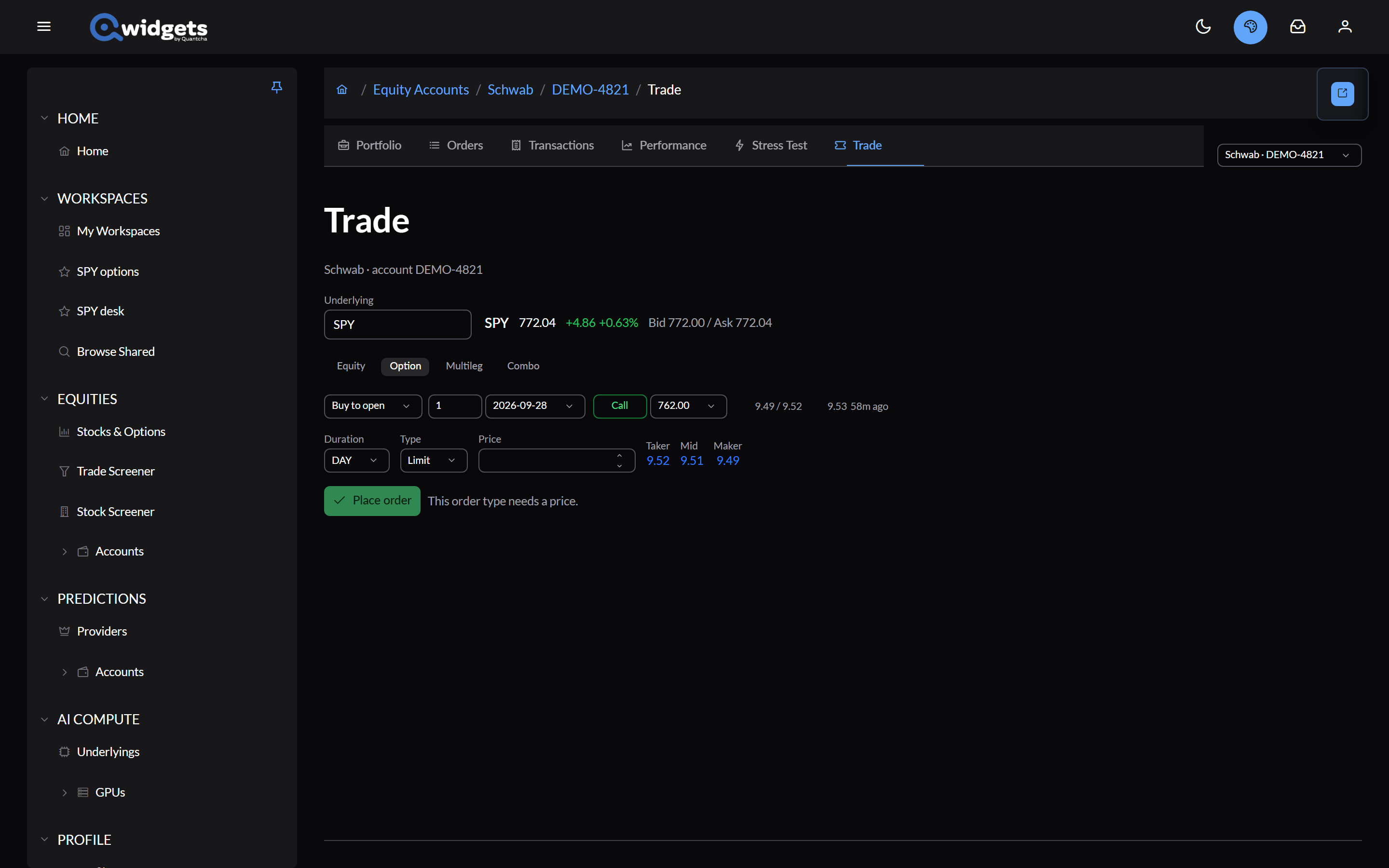
- Equity: buy, sell, sell short, or buy to cover shares.
- Option: one contract, to open or close.
- Multileg: two to four option legs as one order.
- Combo: shares and one option leg together, such as a covered call.
Set the Duration and Type, then the Price. The taker, mid, and maker prices are there to click. The ticket shows the order’s debit or credit and its maximum risk.
Place order asks you to confirm: it’s a real order and can’t be undone. Brokerages that support it also offer Preview, which asks the brokerage to validate the order and shows its cost, commission, and margin change first.
Other pages open this ticket filled in: Trade from Trade analysis, Trade changes from Book management, and the position menus above.
Which order types a given account can trade, and what the brokerage accepts, varies by brokerage. See the Coverage Matrix.
Tracking how it went
- Transactions: the account’s history, row by row.
- Performance: realized P&L, win rate, and each campaign.
- Campaign Journal: each campaign’s story, leg by leg, with your notes.