Trade Screener
Search the option market for trades matching a strategy, and keep the screen running on your workspace. It works on the delayed feed with no account, and on real-time data from a connected brokerage. Choose the source as the Provider in the widget’s settings. See Trade screener for the full page and its filters.
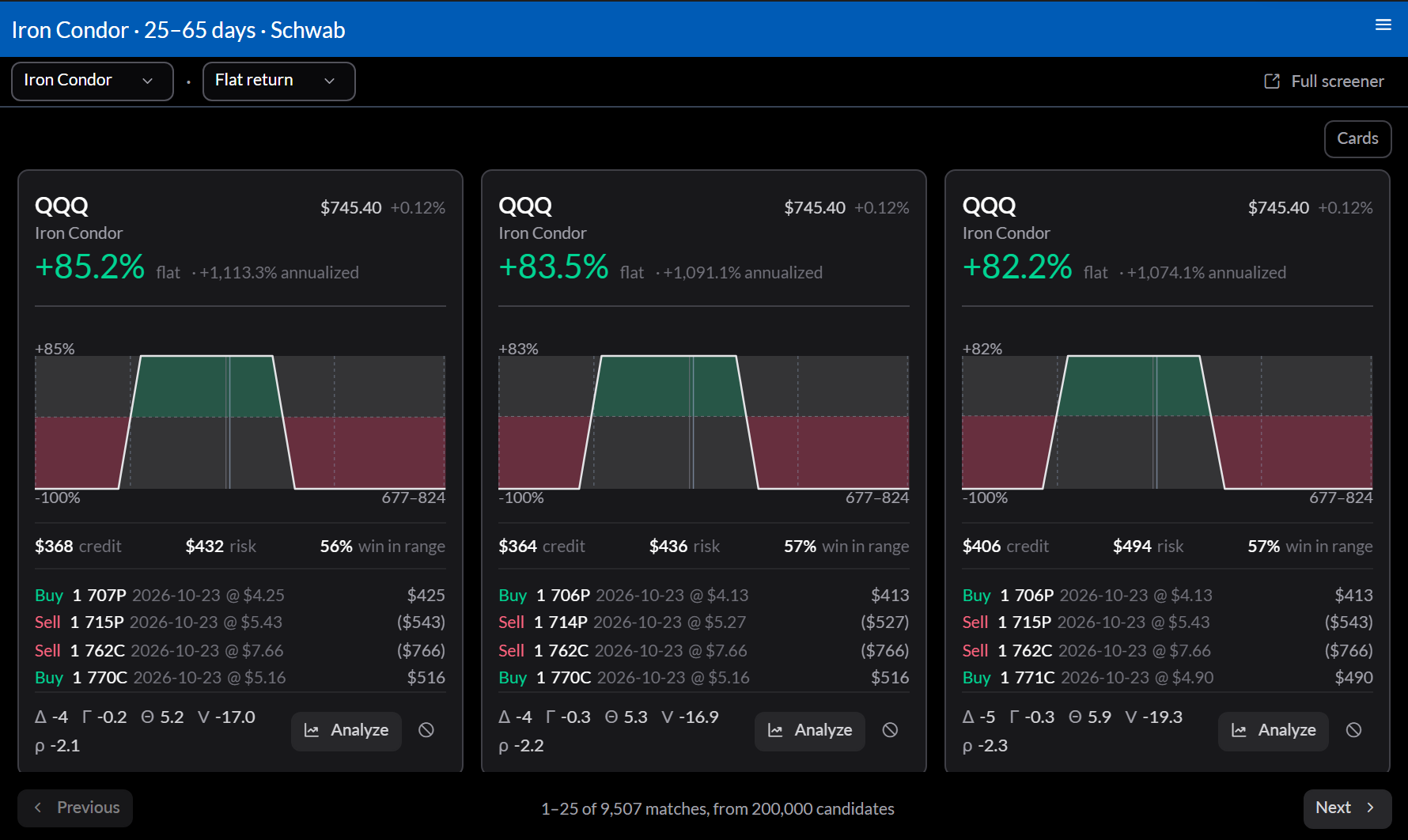
What it shows
A page of matching trades, each with its return, a payoff diagram, the cost and risk, the chance it finishes in range, its legs, and its greeks. Previous and Next page through them.
Settings
- The top bar picks the strategy, such as Covered Call or Iron Condor, and the ranking, such as Flat return or Profit probability.
- Configure sets the Provider, Days out and Window for the expirations searched, and the Filters.
- Full screener opens the same screen on its page.
Actions
Analyze opens a trade in a Trade Analysis widget beside the screener.