Prediction Order
Watch one order, and change or cancel it while it rests. It needs a connected Kalshi account; see Kalshi account.
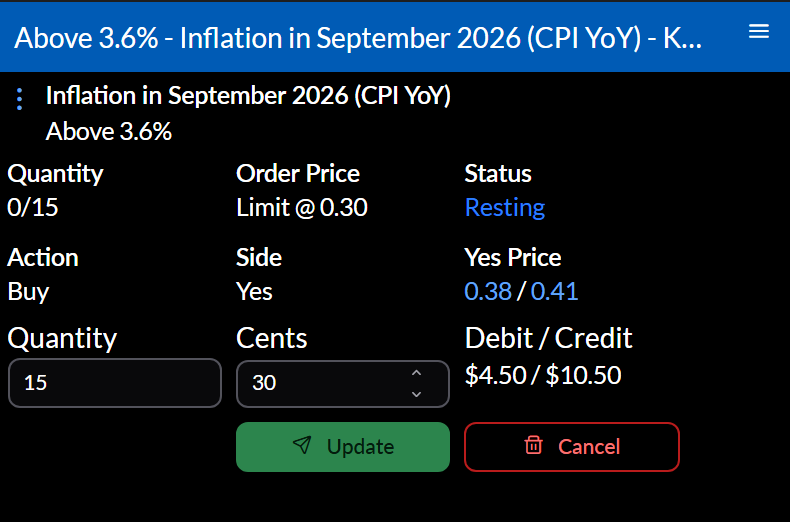
What it shows
The order’s Quantity filled, Order Price, Status, Action, Side, and the market’s current price for that side.
While the order rests, change its Quantity or price in Cents and select Update. Clicking the bid or ask fills in that price. Cancel asks you to confirm. Once the order is done, the widget says how it ended.
Settings
Configure sets the Integration and Order ID. The usual way in is Open Order from the Prediction Orders widget, or placing an order from a Prediction Trade Ticket, which becomes this widget.
Actions
⋮ opens the market (Open Market, Open Market Candles, Open Order Book), its event, and your Open Orders, Open Account, Open Portfolio, and Open Settlements.