Accounts and connections
Most of Qwidgets works without an account. Signing in lets you keep your work, and connecting a brokerage or Kalshi account brings your own positions and trading into the same place you plan.
- Access and sign-in: what a guest, a signed-in user, and a connected account each get.
- Brokerage accounts: your portfolio, orders, trading, and transaction history, with Performance, the Campaign Journal, and Transactions.
- Kalshi account: your event contract portfolio, orders, settlements, and trading.
Managing your connections
Integrations, under Profile in the left-hand menu, lists every connection you’ve made, with its type, its status, and when you made it.
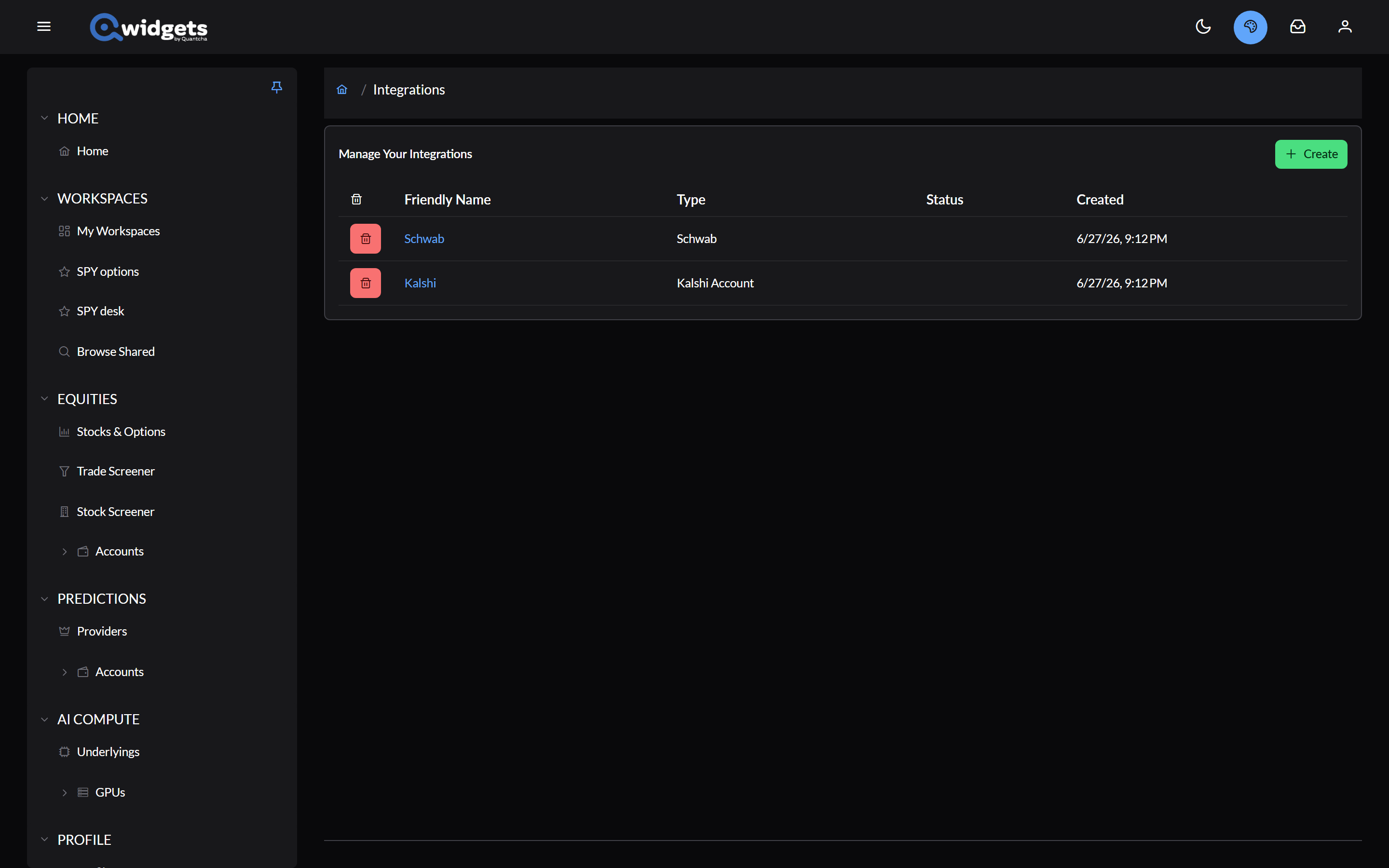
- Create adds a connection. See Getting Started.
- A connection’s name opens its page, where you can rename it and see its status.
- The trash can removes a connection, after you confirm.
Some brokerages need you to approve access again from time to time; the Coverage Matrix lists how often. When one does, its status reads Reconnect, and anything that depends on it shows Reconnection required with a Reconnect button. Reconnecting takes you through the brokerage’s approval again and keeps the connection’s place in your workspaces.