Equities
Stocks & Options, in the left-hand menu, is where you look up any US stock or ETF. Everything here works without an account, on the delayed feed. Connect a brokerage for fresher quotes and to trade.
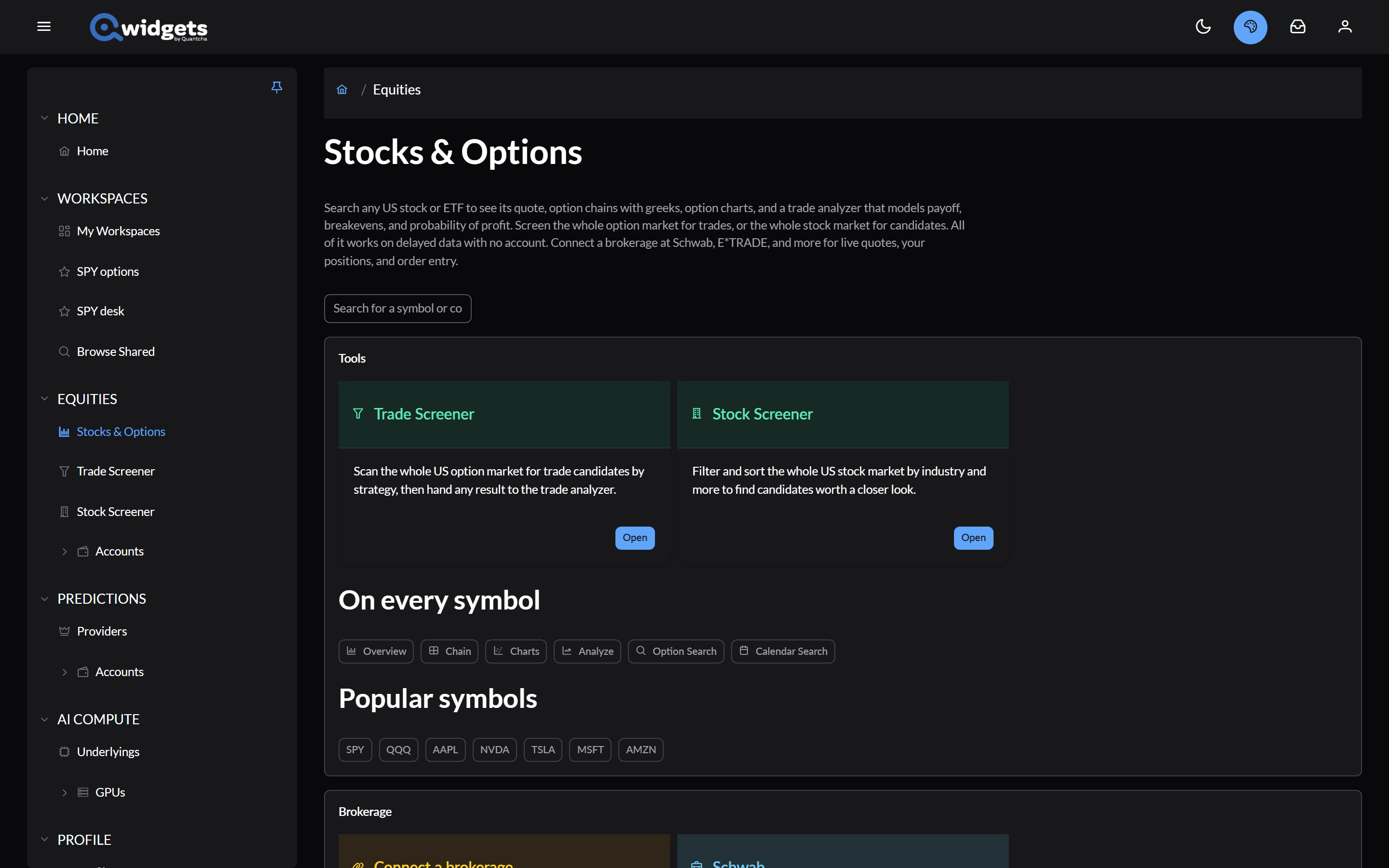
The Stocks & Options page
- Search for a symbol or company. Pick a suggestion to open that symbol’s page. If what you typed isn’t found, Use … as typed tries it anyway.
- Tools: the Trade Screener and the Stock Screener.
- On every symbol: shortcuts to each tool a symbol page has, and a few popular symbols.
- Brokerage: Connect a brokerage, or open the ones you’ve connected.
- Workspaces: the stock and option widgets you can put on a workspace, and a link to try one.
In this section
- Stocks and quotes: a symbol’s page, its price chart, quote, earnings and dividend dates, and where its data comes from.
- Stock screener: filter and rank the whole US stock market.
A symbol’s option tools are under Options. Your brokerage accounts are under Accounts and connections.