Orders
A brokerage account’s orders. It needs a connected brokerage account; see Brokerage accounts.
What it shows
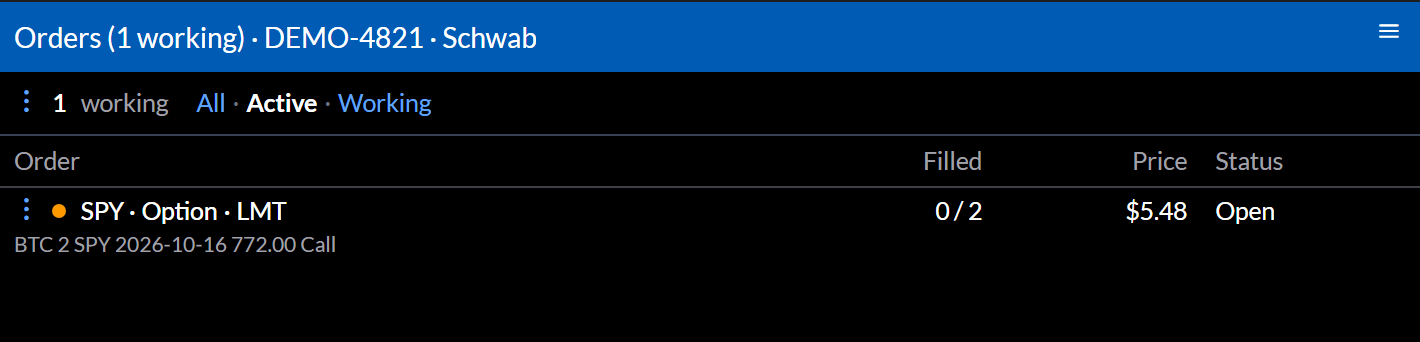
The number working in the top bar, then each order’s legs, Filled, Price, and Status. A dot marks orders still working.
Settings
All, Active, or Working in the top bar:
- All: every order, including those cancelled, rejected, or expired.
- Active: orders still working, plus those that filled.
- Working: only orders that can still fill.
Configure sets the Brokerage and Account.
Actions
- An order’s ⋮ opens Open Order, the symbol in other widgets, and, while it’s working, Cancel Order, which asks you to confirm.
- The top bar’s ⋮ opens Open Balances and Open Portfolio.