Prediction Trade Ticket
Place a limit order on one market. It needs a connected Kalshi account; see Kalshi account.
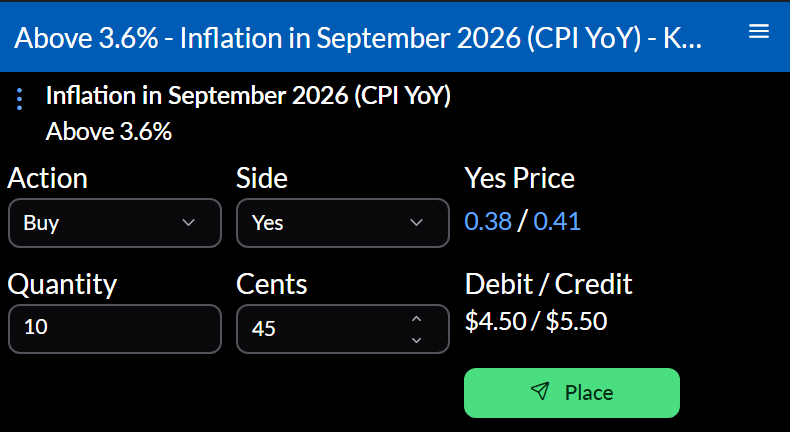
Placing an order
- Choose the Action, Buy or Sell, and the Side, Yes or No. Clicking the bid or ask fills in the side and price.
- Enter the Quantity and the price in Cents. The ticket shows the Debit / Credit.
- Select Place, check the summary, and select Confirm and send. Back returns to the ticket.
The order rests until it fills or you cancel it, and the ticket becomes a Prediction Order widget watching it. If Kalshi turns it down, the ticket says why.
Settings
Configure sets the Integration and Market ID. Most tickets open from a Trade via or Close Position menu item, already filled in.
Actions
⋮ opens the market, its event, and your account’s widgets.